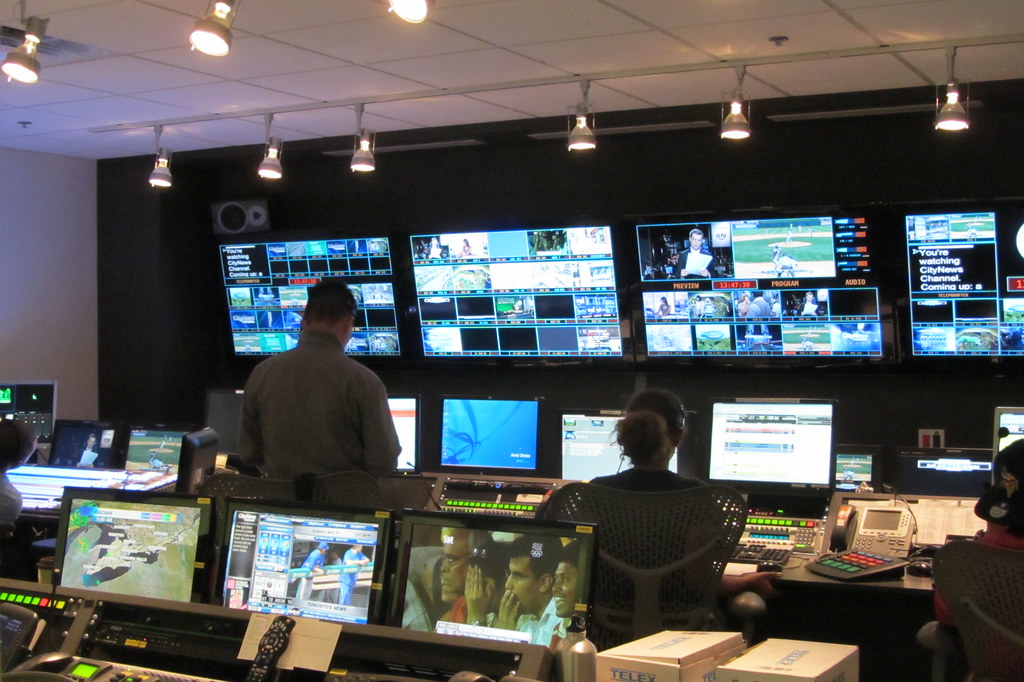
The short answer
Buy refresh rate and grayscale first, pitch second. For studio work, demand ≥3,840 Hz (7,680 Hz for slow motion), 14–16 bit grayscale, and P2.6 or finer for typical camera distances. Six products in our P2.6 comparison table hit 7,680 Hz — the shortlist is on this page. Always camera-test before show day.
Why cameras are picky
A live audience sees the wall once, at 60-ish perceived frames. A camera samples it thousands of times per second — and exposes everything the eye forgives:
- Refresh rate. Too low and footage shows flicker or rolling bands. 3,840 Hz is the rental baseline; 7,680 Hz covers high frame-rate and slow-motion work.
- Grayscale depth. 14–16 bit keeps gradients smooth in dim scenes instead of banding. Matters more than peak brightness in a controlled studio.
- Moiré. The camera sensor grid beating against the LED grid. Finer pitch helps; so do shutter-angle choice and slight defocus. Test the real camera against the real wall.
P2.6 cabinets with 7,680 Hz in our comparison
| Series | Model | Refresh rate | Brightness |
|---|---|---|---|
| Absen Saturn | SA2.6 | 7,680 Hz | 1,500 nits |
| ROE Visual Topaz | TP2.6 | 7,680 Hz | 1,500 nits (calibrated) |
| AOTO DL Series | DL2.6 | 7,680 Hz | n/a |
| LianTronics Pilot Plus | Pilot Plus 2.6 | 7,680 Hz (indoor) | 600–800 nits (indoor) |
| Gloshine MV Ultra | MV Ultra 2.6 | 3,840 / 7,680 Hz | n/a |
| Leyard LN Series | LN2.6 | 3,840 Hz (7,680 Hz noted) | 1,000 nits |
Figures are vendor-quoted, sourced on each product page; missing values stay n/a. Full P2.6 comparison
Pitch and studio geometry
Studio cameras sit closer than concert audiences, which pushes pitch finer: P2.6 is the workhorse, and virtual production stages sometimes go to P1.5–P1.9. Apply the same meters ≈ millimeters rule to the nearest camera position — then go one step finer, because moiré punishes borderline choices.
Curved walls are common in studios: they wrap the set, hide edges from wide shots, and reduce reflections. Check curve-angle support in each product's notes; not every rental cabinet curves.
How to choose
- Shortlist by refresh rate. Start from the 7,680 Hz table above if any slow-motion or high frame-rate shooting is planned.
- Check grayscale, not just brightness. Studios are dim, controlled rooms — 14–16 bit depth matters more than 1,500 nits.
- Camera-test the finalists. Eye-perfect walls can still flicker on sensor. Test with the actual cameras, shutter angles and frame rates of the production.
- Confirm curve and rigging. Studio installs hang or curve differently from touring rigs; verify the cabinet's mechanical options.
Frequently asked questions
Why does refresh rate matter on camera?
Cameras sample the wall thousands of times per second. If the refresh rate is too low, the footage shows flicker, scan lines or tearing. 3,840 Hz is the rental baseline; 7,680 Hz (offered by Absen Saturn, ROE Topaz, AOTO DL and others in our P2.6 table) gives headroom for high frame-rate and slow-motion shots.
What causes moiré on LED walls in broadcast?
Moiré appears when the camera sensor grid interferes with the LED pixel grid. Finer pitch, slight defocus, and matching shutter angle all help. This is a camera-and-wall system problem, so test the actual camera with the actual wall before show day.
Is P2.6 fine enough for a TV studio?
For most studios, yes: our P2.6 comparison lists six products at 7,680 Hz. Virtual production and close-up product shots sometimes demand finer (P1.5–P1.9), but that is outside the rental pitch classes this database covers.
Do broadcast LED walls need to be curved?
Often. Curved backdrops wrap the set and kill edge reflections. Several rental platforms in our catalog support adjustable curve angles — check the notes on each product page rather than assuming a flat wall will do.
How bright should a studio LED wall be?
Studios are controlled light environments, so extreme brightness is unnecessary and can fight the lighting design. Indoor cabinets in our tables run 600–1,500 nits; what matters more on camera is grayscale depth (14–16 bit) and smooth dimming.
Can I use a touring rental wall in a studio?
Yes, if the refresh rate and grayscale hold up on camera. Many studios rent P2.6 touring inventory for this reason — but verify with a camera test, because a wall that looks perfect to the eye can still flicker on sensor.